AI-Assisted Coding
Cursor
Download from Cursor · Download.
📘
A Pro or higher subscription is required to use custom API keys.
Setup
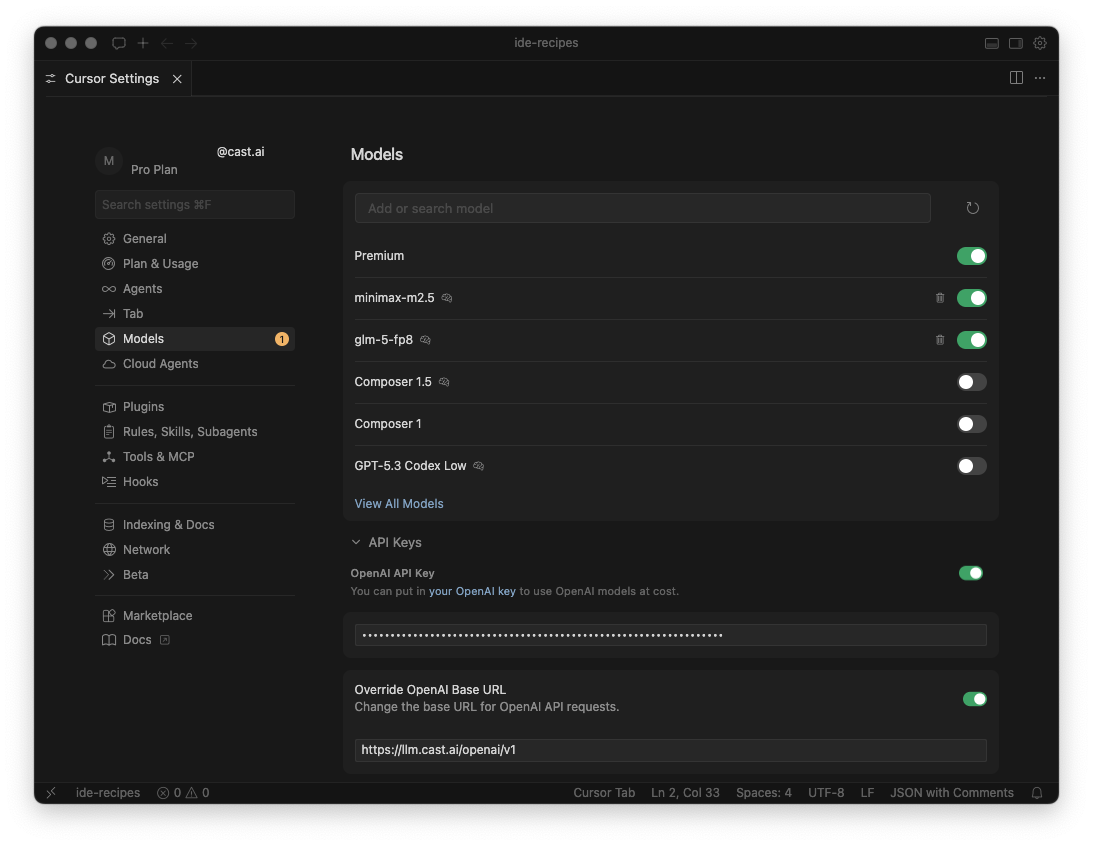
- Open Cursor Settings. Navigate to Menu Bar → Settings → Cursor Settings.
- Navigate to Models.
- Set the OpenAI Base URL to:text
https://llm.kimchi.dev/openai/v1 - Toggle Override OpenAI Base URL to ON.
- Enter your Kimchi API key in the OpenAI API Key field.
- Toggle OpenAI API Key to ON.
- Enable custom model names:
glm-5-fp8minimax-m2.5
- Make sure each new model is toggled to ON.
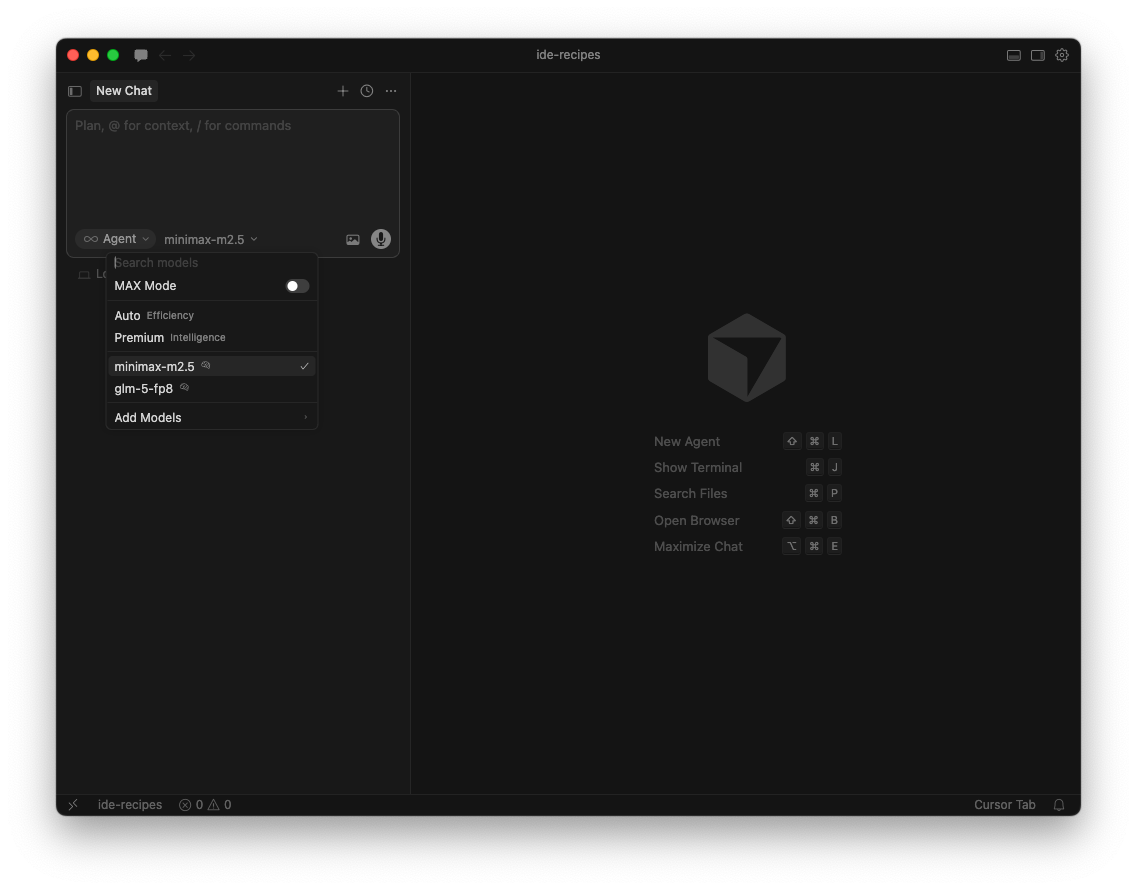
Using Kimchi models in chat
Open a new chat and pick a Kimchi model from the model selector at the bottom of the prompt box. You'll see glm-5-fp8 and minimax-m2.5 alongside Cursor's built-in models.